About the card
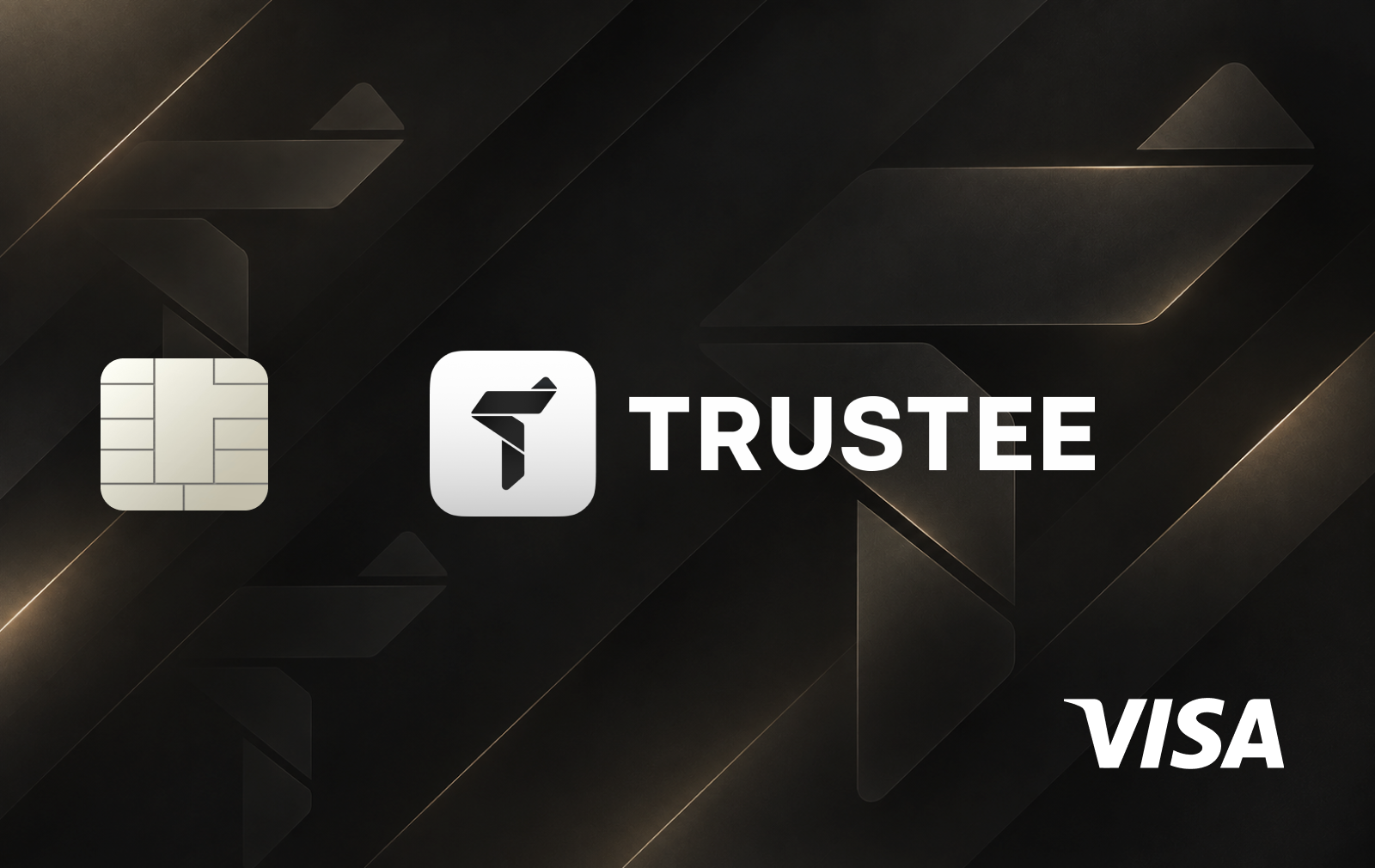
Trustee Card is a virtual Visa crypto card built into the Trustee Plus app. It connects everyday card payments with a non-custodial crypto wallet, allowing users to fund a separate card balance with USDC or USDT and pay online or in stores.
The card is issued in U.S. dollars, while purchases in currencies such as EUR, PLN or GBP are automatically converted at the time of payment. It can also be added to Apple Pay or Google Pay for contactless payments.
Trustee Plus itself can be used without identity verification. KYC is required only when a user decides to issue the Trustee Card and access its payment functionality.
How the card works
Trustee Plus uses a non-custodial wallet model, meaning users retain control over the crypto assets stored in their wallet. The card works as an additional payment layer inside the same app rather than replacing the wallet itself.
The Trustee Card balance is separate from the main crypto wallet. To spend crypto, users move USDC or USDT from their wallet to the card balance. Once funded, the virtual card can be used for online purchases or through Apple Pay and Google Pay at physical payment terminals.
This setup allows users to decide how much they want to make available for everyday spending while keeping the rest of their crypto in the non-custodial wallet.
Terms and fees
The virtual Trustee Card currently costs $10 to issue. Trustee charges 0% for card purchases, while the published fee for topping up the card with supported stablecoins is 0.5%.
The card's monthly transaction limit is 30,000 USDC. The maximum card balance is 5,000 USDC, while a single top-up can be up to 3,000 USDC.
ATM withdrawals are currently unavailable. A physical Trustee Card existed in an earlier version of the product, but the current physical card is temporarily unavailable, making the virtual Visa the main card product.
Native coins and GEMS for network fees
One of the newer Trustee Plus features is GEMS, which can be used to cover blockchain transaction fees from the non-custodial wallet. Instead of always holding the native coin of every blockchain, users can choose GEMS to pay fees for supported transfers.
The choice between GEMS and native coins depends mainly on how the wallet is used. If USDT is almost always received and sent through a single network, keeping its native asset can remain the simplest option. A TRON user, for example, can maintain a small TRX balance for transaction fees, while someone mainly using Ethereum can keep ETH.
GEMS become more useful when several networks are involved. Instead of separately buying and monitoring ETH, TRX, SOL or other native assets only to cover transaction costs, users can rely on a single fee asset across supported networks.
This is particularly relevant for stablecoin users. Someone may want to hold only USDT and have no interest in buying several native cryptocurrencies, but conventional blockchain transfers still require native coins for gas. GEMS are designed to reduce this friction without removing the option to pay fees directly with the network's native asset.
Key features
Trustee Plus combines the payment card with a broader non-custodial crypto wallet rather than treating the card as a standalone product. Users can store and transfer crypto, swap assets and interact with supported networks without completing KYC for basic wallet functionality.
Identity verification becomes necessary only when the user wants to issue the Trustee Card. This separates access to the self-custodial wallet from access to regulated card services.
The card itself supports Apple Pay and Google Pay, automatic currency conversion at checkout and a separate spending balance. The virtual card can be issued directly inside the app after verification.
Security options in Trustee Plus include an app PIN, PassKey, biometric authentication and two-factor authentication.
Eligibility
There is no KYC requirement to create and use the Trustee Plus wallet itself. Users can access its non-custodial crypto functionality without completing identity verification.
KYC is required specifically for Trustee Card issuance. To apply for the card, users need to provide personal information, an accepted passport or national ID and a selfie.
Card availability also depends on the user's country and the requirements of the card issuer. Users should check availability directly in Trustee Plus before starting the issuance process.
How to get the card
Download Trustee Plus for iOS or Android and create an account.
Use the non-custodial wallet without KYC if you only need its crypto functionality.
When you want to get the Trustee Card, open the card section and tap “Issue Card.”
Complete the required identity verification with an accepted passport or ID and a selfie.
Review and accept the card terms and complete issuance.
Transfer USDC or USDT to the card's separate balance.
Add the virtual card to Apple Pay or Google Pay if you want to use it for contactless payments.









No comments yet
Be the first to share a useful experience with this card.