Altitude Card is the corporate card product inside Altitude, a business finance platform built by Squads. It is aimed at companies rather than individual crypto users and combines stablecoin-based operating accounts with virtual Visa cards, payments and expense management in one workspace.
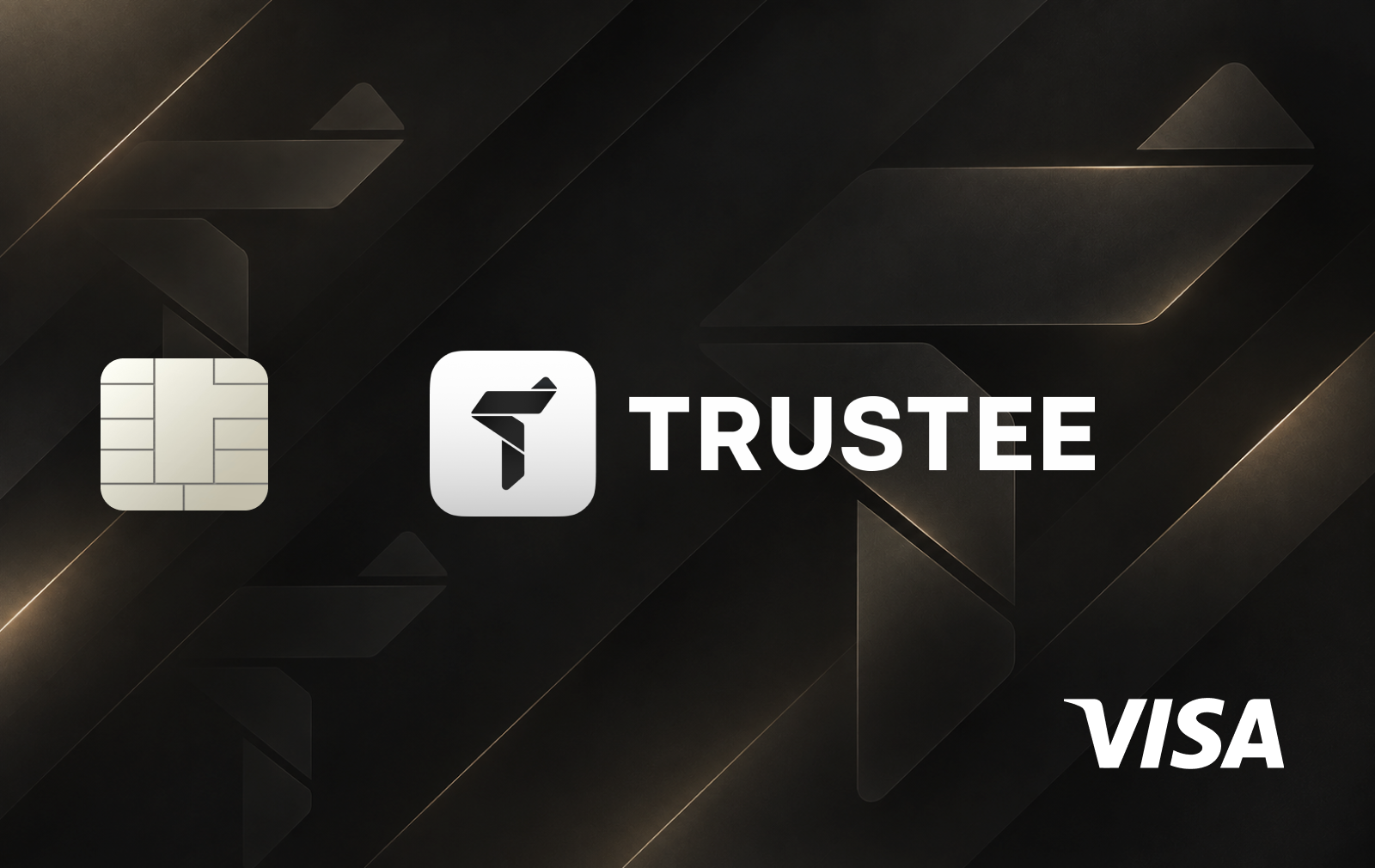
The card is currently issued only in virtual form as a Visa Signature Corporate card. A company can create multiple cards for employees, contractors, subscriptions or individual expense categories, with separate controls for each card. Apple Pay and Google Wallet are supported.
Funding and custody
Cards are funded from the company's Altitude operating balance. Altitude accounts themselves are self-custodial: Squads states that it does not custody customer stablecoins and that organizations retain control of funds through their own cryptographic keys.
The card layer is provided through third-party infrastructure, with Rain powering the Altitude Card. This means the underlying account can remain self-custodial while card issuance and payment processing rely on external regulated infrastructure.
Each card can have limits set per transaction, day, week or month. Administrators can also freeze or cancel cards instantly, while transactions that exceed the configured limit are declined at the point of sale.
Fees and cashback
Altitude does not charge a per-card issuance fee and allows businesses to create multiple virtual cards without paying for each additional card. There is also no overdraft facility: if the available card balance is insufficient, the transaction is declined rather than creating a negative balance or penalty charge.
The cashback structure is category-based. Altitude currently pays 2% on travel, 1.5% on AI, cloud and SaaS expenses, and 1% on other eligible spending. Rewards accrue on settled transactions and are paid monthly in USDC to the Altitude account.
FX and cross-border pricing is handled through Altitude's partners. The company does not publish one universal exchange-rate markup on the main card page and states that applicable exchange rates and fees are disclosed when the transaction is made.
Business requirements and availability
Altitude Card requires a business account rather than a personal account. Organizations go through identity and business verification, sanctions screening and ongoing compliance checks before gaining access to the platform and eligible financial services.
Availability depends on the company's jurisdiction, Altitude's card partners and local regulation. The service is positioned for international businesses, but the card is not available in every country where Visa itself operates.
For companies already managing treasury in stablecoins, the main distinction is that Altitude combines a self-custodial operating balance with conventional corporate card controls. It is therefore closer to a stablecoin-native business account with cards than to a typical retail crypto debit card.
How to get the Altitude Card
Create an Altitude business account.
Complete company KYB and the required identity verification.
Fund the Altitude operating balance.
Open the Cards section in the Altitude dashboard.
Create a virtual card for a team member, vendor or specific expense.
Set transaction, daily, weekly or monthly spending limits.
Add the card to Apple Pay or Google Wallet if needed.










Brak komentarzy
Podziel się jako pierwszy przydatnym doświadczeniem z tą kartą.