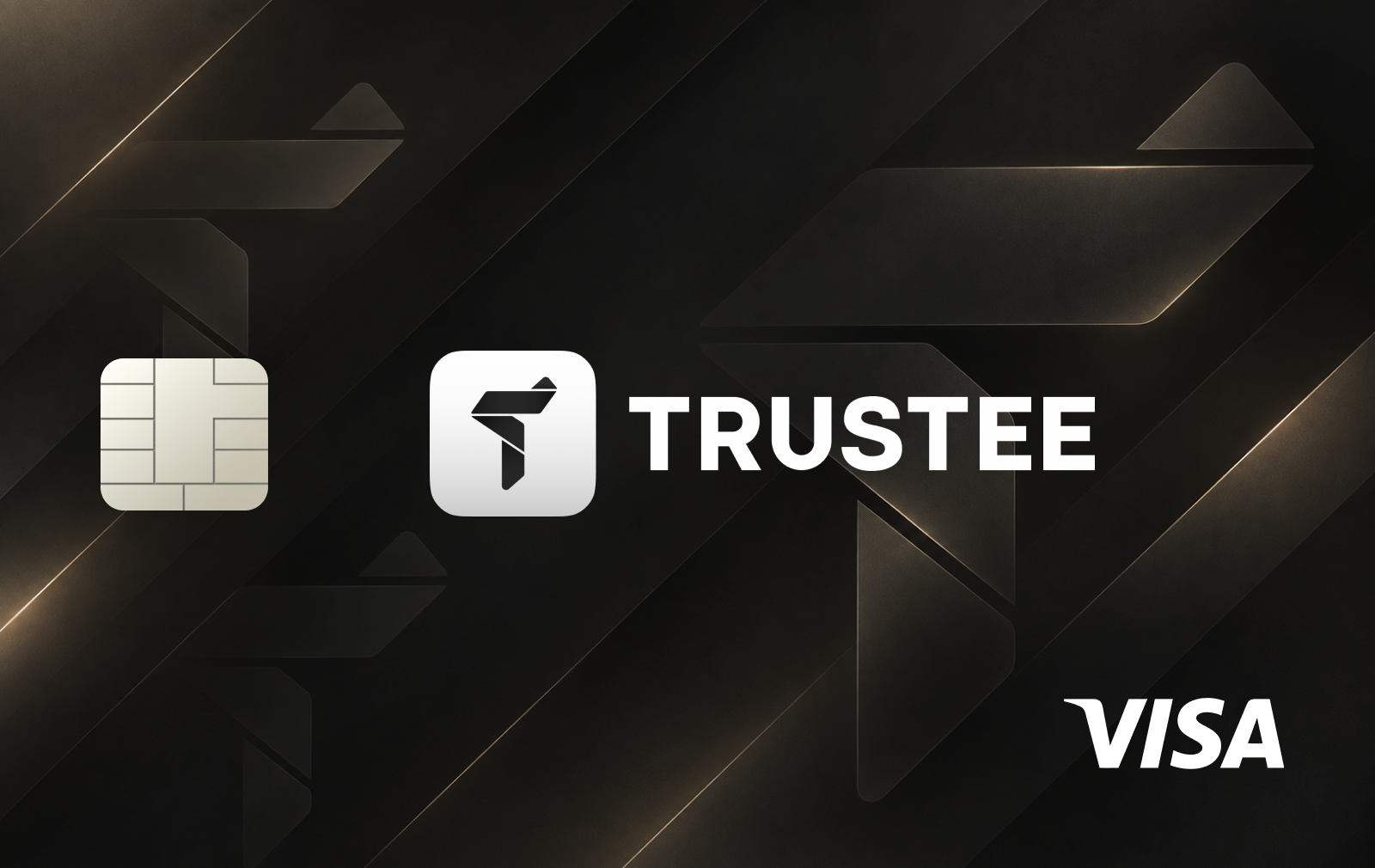
Nu Global Card is connected to the Nu Global multi-currency account developed by Nubank's Swiss-based subsidiary, Nu Global AG. The card allows users to spend their account balances internationally without manually converting crypto into fiat before each purchase.
Deposits are converted into digital dollars (USDC) or digital euros (EURC). Nu Global also supports buying and holding selected cryptocurrencies, including Bitcoin, Ethereum and Solana.
Spending and supported assets
Card payments use available fiat balances first, where supported. If no fiat balance is available, Nu Global automatically sells the required amount of supported crypto assets to complete the transaction.
The account supports USDC and EURC balances, alongside a wider selection of cryptocurrencies. Eligible stablecoin balances currently earn variable yields of 3.50% APY on digital dollars and 2.20% APY on digital euros. These earnings are separate from card spending rewards.
Fees and limits
Nu Global advertises international card payments without additional foreign-exchange markups. However, separate fees may apply to crypto swaps and other account transactions, with applicable charges disclosed in the app.
The card is currently promoted as a virtual product, with no ATM withdrawals supported. Daily spending limits are determined by Nu Global and can be reviewed within the app.
Availability and security
Nu Global began its rollout in September 2026, with access being introduced gradually. Applicants can join the waitlist, but card availability depends on individual eligibility and the supported jurisdiction.
The service requires identity verification and is unavailable to U.S. persons and users under 18.
Cardholders can freeze or delete virtual cards through the app and generate temporary cards that expire after 24 hours. Google Pay and Samsung Pay are supported.
The account is custodial. Users do not directly control the underlying crypto assets, and balances are not covered by a conventional deposit insurance scheme.
How to get the Nu Global Card
Visit the Nu Global website and join the waitlist.
Wait until account registration becomes available.
Download the Nu Global app and complete identity verification.
Fund the account with supported assets.
Open the card section and create a virtual card.
Configure the card and review the available spending limits.
Add the card to Google Pay or Samsung Pay if supported on your device.









No comments yet
Be the first to share a useful experience with this card.