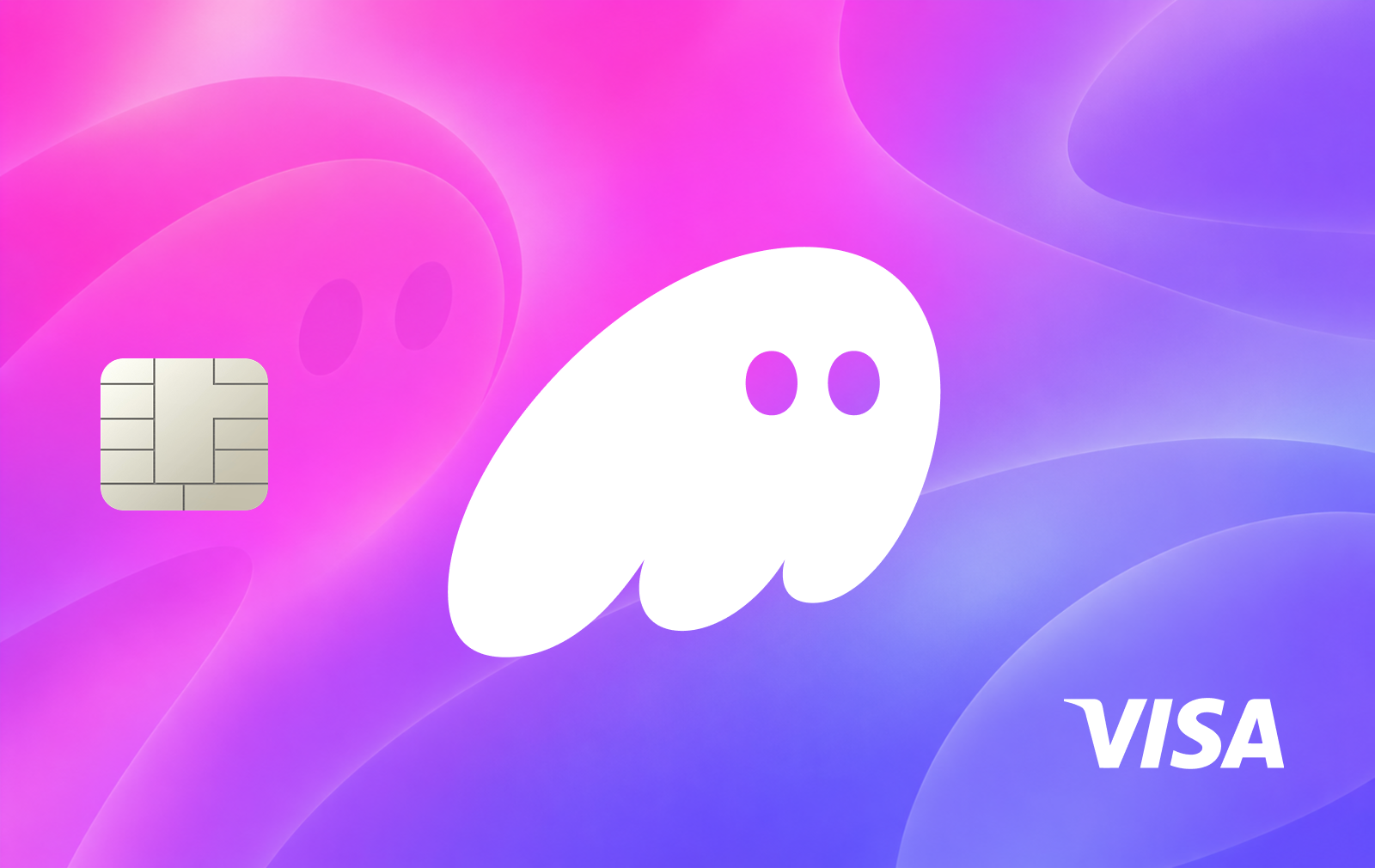
Phantom Cash Card is integrated into the Phantom mobile wallet and allows users to spend funds held in their Cash account. Unlike conventional custodial crypto cards, the underlying Cash account is a self-custodial Solana wallet holding CASH, a USD-pegged stablecoin.
Card payments are funded exclusively from the CASH balance. When a transaction occurs, Phantom's payment partner converts the required CASH into USD to settle the purchase. Users do not need to transfer funds into a separate card balance, although other cryptocurrencies must first be converted into CASH.
Funding and supported assets
Users can fund their Cash account with USDC, USDT, or PYUSD on Solana, which are automatically converted into CASH. Other supported cryptocurrencies can also be swapped into CASH through Phantom.
Eligible US users can additionally deposit funds through linked bank accounts, debit cards, and supported mobile payment methods.
Fees and limits
Virtual card issuance and domestic US purchases are free. International transactions may incur additional fees.
Funding costs depend on the method. Adding money by debit card costs 1.75%, while credit card funding carries a 3.5% fee. Swaps from supported Solana stablecoins into CASH are free, while conversions involving other tokens may incur fees.
The standard daily spending limit is $2,000. Accounts with at least 30 days of age and transaction history may qualify for an increase to $5,000.
Availability and card features
The card is available to eligible US residents outside New York and requires identity verification. It supports online purchases and contactless payments through Apple Pay and Google Pay.
Phantom currently offers no physical card, ATM withdrawals, or card cashback. Users can manage their card, review transactions, set a PIN, and temporarily lock the card directly in the mobile app.
How to get the Phantom Cash Card
Download the Phantom mobile app and create or access your wallet.
Set up your Phantom profile and open the Cash section.
Complete identity verification.
Select the card activation option and accept the terms.
Tap Create Card to issue your virtual card.
Fund your Cash account with supported stablecoins, crypto, or a bank payment method.
Add the card to Apple Pay or Google Pay for contactless purchases.









No comments yet
Be the first to share a useful experience with this card.