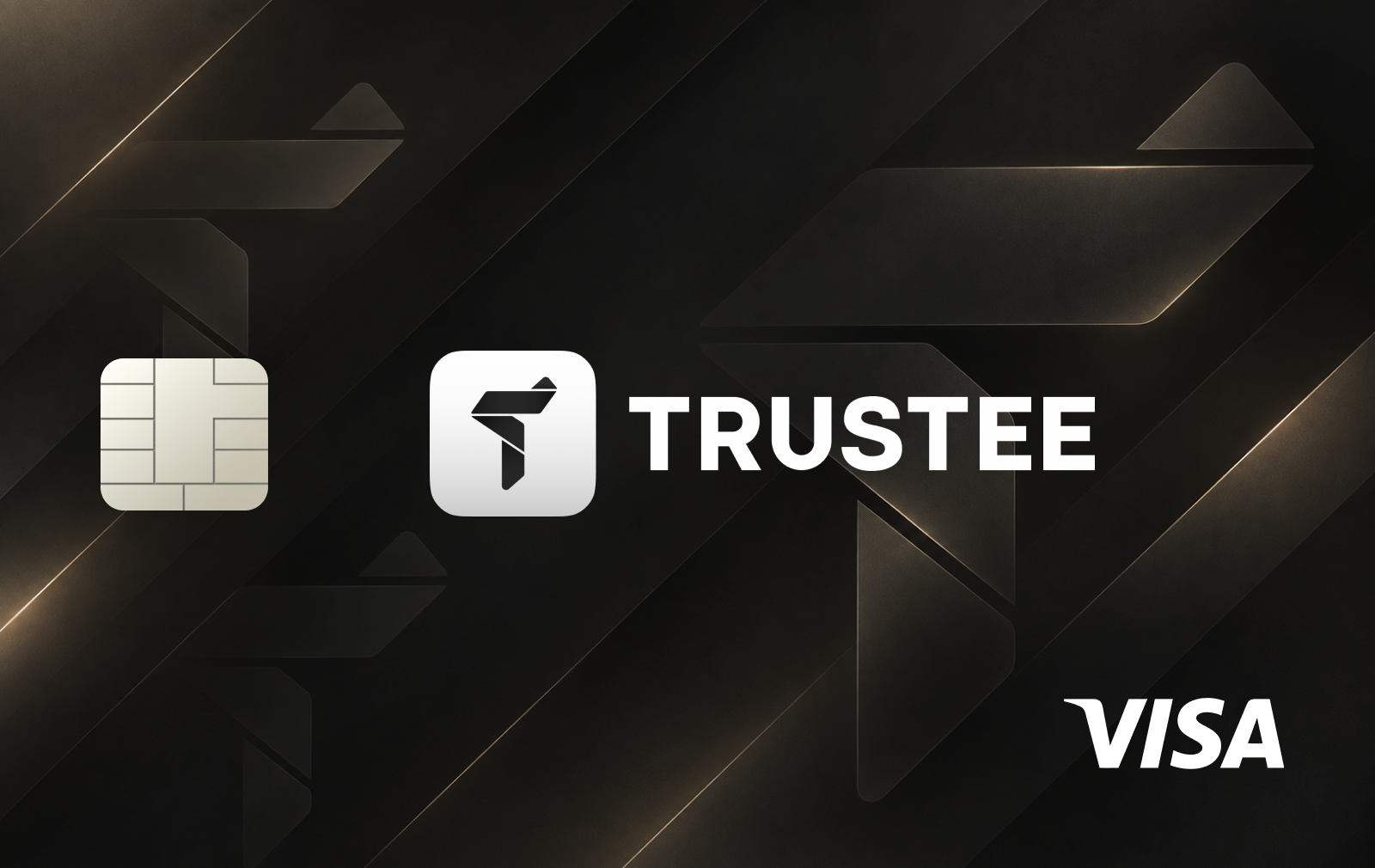
Sana Card is integrated into the Sana mobile wallet and allows users to spend stablecoins at Visa merchants. The card uses Rain's payment infrastructure and a collateral-backed model, with each card linked to a dedicated on-chain address.
Unlike custodial crypto cards, Sana keeps the underlying assets in a self-custodial environment. Users transfer stablecoins into the card's collateral address, and the required amount is converted into fiat when a purchase is processed. Unused collateral can be withdrawn back to the wallet.
Funding and supported assets
Sana Card supports USDC and USDT as spending collateral, primarily through the Solana ecosystem.
Users can deposit stablecoins directly from their Sana wallet and withdraw unused funds whenever needed. The app also supports cryptocurrency transfers and token swaps, allowing other assets to be converted into supported stablecoins before card spending.
Fees and limits
Sana advertises zero card top-up fees and no additional FX markup on USDC spending.
However, the provider has not published a comprehensive public fee schedule covering issuance, recurring charges and all international transactions. Depending on the applicable issuer terms, foreign-currency and cross-border charges may apply.
Card spending capacity depends on the available collateral balance. Exact daily and monthly spending limits are not publicly confirmed.
Cashback and rewards
Sana Card rewards eligible purchases with SANA tokens. Rewards accrue with each transaction and can be claimed on-chain through the Sana app after reaching the required threshold.
The provider advertises no reward expiration, but has not published a fixed cashback percentage, monthly reward cap or complete eligibility conditions.
The rewards program is separate from the wallet's cryptocurrency trading and transfer features.
Availability and mobile payments
Sana Card is available in selected markets, with its initial rollout focused on the Middle East, Latin America and Southeast Asia. Users must complete identity verification through Sumsub before issuance.
The current card is virtual and supports online payments and contactless purchases through Apple Pay and Google Pay. Physical cards are planned but have not yet been released.
Sana also provides an API-based card issuance system designed for developers and AI agents.
How to get the Sana Card
Download the Sana app from the App Store or Google Play.
Create an account and set up your self-custodial wallet.
Open the Card section and check your regional eligibility.
Complete identity verification through Sumsub.
Apply for the virtual Visa Signature card.
Deposit USDC or USDT into the card's on-chain collateral address.
Activate the card and add it to Apple Pay or Google Pay.










No comments yet
Be the first to share a useful experience with this card.