Solcard

SolCard is a crypto-funded prepaid card supporting SOL, USDC, USDT and other assets, with instant virtual issuance, a no-KYC option, multi-chain deposits and Apple Pay and Google Pay for Platinum users.

General

Brand / program
Solcard
Card type
Virtual Card
Wallet
Custodial
Payment network
Visa / Mastercard
Available regions
APAC, eu, Global, latam, uk
Supported blockchains
Not disclosed (Virtual: $5,000/month)
Plans and tiers
Virtual, Platinum

Fees & rewards

Welcome bonus
None
Registration fee
$10
Requirement
Platinum requires verification
Cashback
0%
FX fee
1–2% Virtual; 0–1.5% Platinum
APR / Yield
No

Access & limits

Need KYC
No Virtual / Yes Platinum
Mobile pay
Varies: Platinum Yes / Virtual No
Bank transfer
No
ATM withdrawal limit
Virtual: Not supported
Daily spending limit
Not disclosed (Virtual: $5,000/month)

Pros

Why Solcard can be a great choice.

  • No-KYC virtual card option
  • Instant card issuance after deposit confirmation
  • SOL, USDC, USDT and additional asset support
  • Stablecoin funding across multiple blockchains
  • No monthly or annual maintenance fees
  • Zero top-up fees for Platinum users
  • Apple Pay and Google Pay support with Platinum
  • Ability to withdraw unused card balances
  • Higher spending limits with Platinum

Cons

Things to consider before applying.

  • $10 card issuance fee
  • 5% top-up fee for standard Virtual Cards
  • $5,000 monthly spending limit on the standard tier
  • KYC required for Platinum
  • Additional purchase and foreign-exchange fees
  • No standard cashback program
  • Standard Virtual Card does not support mobile wallets
  • Restrictions on merchants and payment categories
  • Unavailable in the United States, Ukraine and other restricted countries

About Solcard

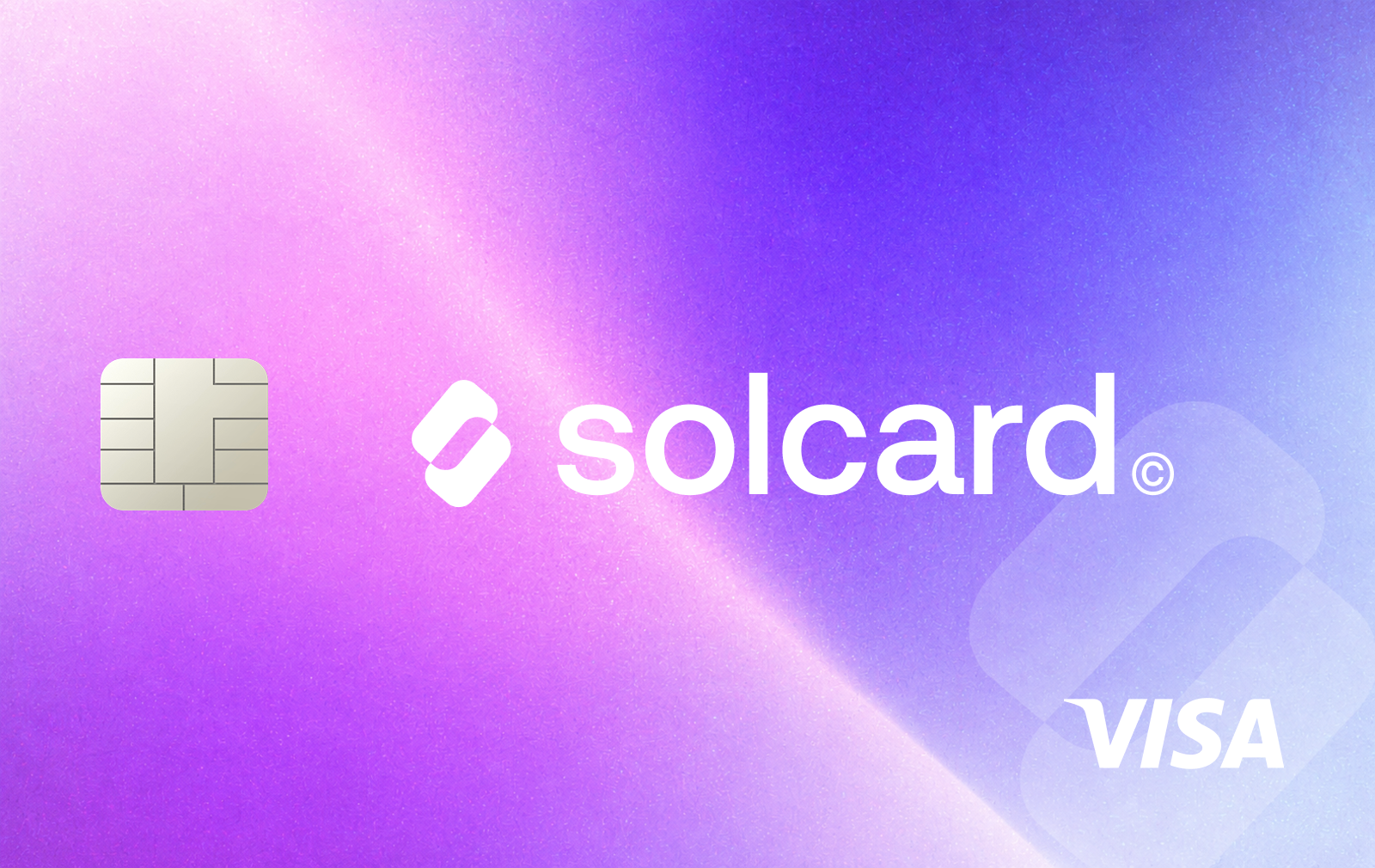
SolCard is a USD-denominated crypto payment card operated by SC Payments Limited. Users deposit supported cryptocurrencies, which are converted into a prepaid card balance held by a third-party issuer. Payments are then made through the Visa or Mastercard network without requiring a separate bank account.

SolCard offers two tiers. The standard Virtual Card can be issued without identity verification and is intended for online purchases, subscriptions and digital services. The Platinum Card requires KYC but provides lower fees, higher spending limits and support for Apple Pay and Google Pay.

Unlike cards that draw directly from a crypto wallet at checkout, SolCard requires users to load funds onto their card before spending.

Supported assets and funding

SolCard accepts SOL, USDC, USDT, SOLC and JITO. Stablecoin deposits are supported across several networks, including Solana, Ethereum, Polygon, BNB Smart Chain, Arbitrum, Optimism, Avalanche, Base and HyperEVM.

Users can reload existing cards with cryptocurrency and withdraw unused balances to an external wallet. Card balances are held by the issuing institution rather than in a self-custody wallet.

Fees and limits

Both card tiers carry a $10 issuance fee and have no monthly or annual maintenance charges.

The standard Virtual Card charges 5% on deposits and has a published monthly spending limit of $5,000. Platinum removes the top-up fee and offers substantially higher spending limits.

Additional transaction charges apply, including a $0.30 purchase fee, foreign-currency conversion charges and fees for certain refunds or withdrawals. Apple Pay and Google Pay transactions may also incur additional charges.

SolCard does not currently offer a standard cashback program.

Availability and card usage

The standard Virtual Card is primarily intended for online payments. Platinum supports online and contactless in-store purchases through Apple Pay and Google Pay.

SolCard operates in numerous countries but excludes certain jurisdictions, including the United States, Ukraine, Russia, Belarus and several others.

Some merchants and payment categories are restricted, particularly for standard Virtual Cards. Payments through certain financial services, cryptocurrency platforms and digital subscription providers may be declined.

How to get the SolCard

  1. Visit app.solcard.cc and register using your email address.

  2. Select an available card slot and choose Virtual or Platinum.

  3. Complete identity verification if applying for Platinum.

  4. Choose a supported cryptocurrency and blockchain network.

  5. Transfer the requested amount to the provided deposit address.

  6. Wait for blockchain confirmation and automatic card issuance.

  7. Access your card details through the dashboard.

  8. Add the Platinum Card to Apple Pay or Google Pay if needed.

Ratings and comments

Comments are shown in their original language across every locale.

Leave a review

Reviews are published after moderation.

Your rating

No comments yet

Be the first to share a useful experience with this card.

Frequently asked questions

Quick answers to common questions about Solcard.

Still have a question?
Can I get a SolCard without KYC?

Yes. SolCard offers a standard Virtual Card that can be issued using an email address without identity verification. This tier is intended for online payments and has a $5,000 monthly spending limit. Platinum requires KYC but offers zero top-up fees, higher limits and Apple Pay and Google Pay support.

What cryptocurrencies can I use to fund SolCard?

SolCard supports SOL, USDC, USDT, SOLC and JITO, with stablecoin deposits available across multiple blockchain networks. Supported networks include Solana, Ethereum, Polygon, BNB Smart Chain, Arbitrum, Optimism, Avalanche, Base and HyperEVM. Deposited assets are converted into a USD-denominated card balance.

What fees does SolCard charge?

Both Virtual and Platinum cards have a $10 issuance fee and no monthly or annual maintenance charges. Standard Virtual Cards incur a 5% top-up fee, while Platinum deposits are free. Additional charges include a $0.30 transaction fee, foreign-exchange fees, a $1 external wallet withdrawal fee and a 2% fee on merchant refunds.